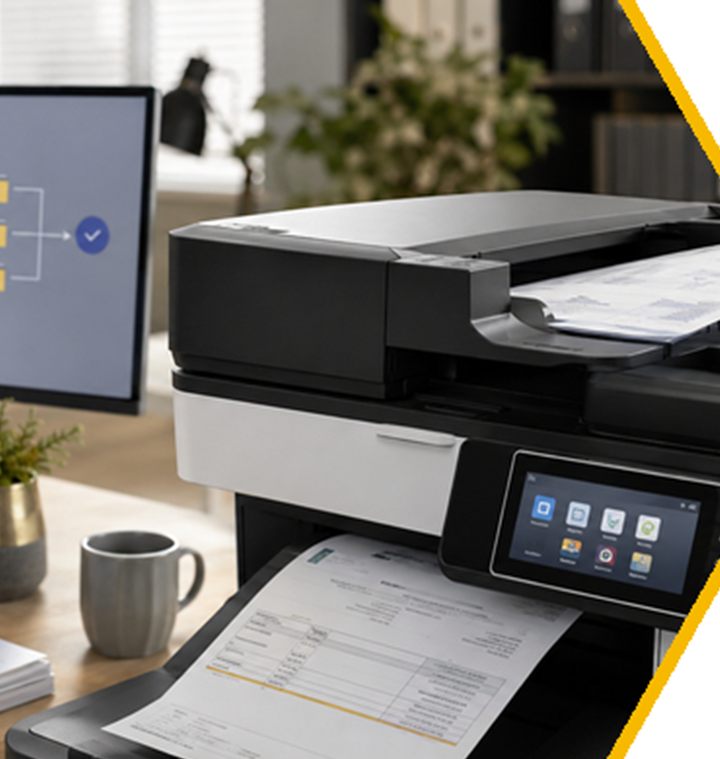
A modern multifunction printer is a networked computer that prints, copies, scans, emails and authenticates users. Bought well, it removes administrative work. Bought badly, it becomes an unmanaged device holding confidential documents, with a scan-to-email setup nobody understands until it stops working.
What we supply
- A3 and A4 multifunction devices, mono or colour, new or refurbished.
- Rental agreements with consumables and service included, or outright purchase.
- Full setup and configuration, on-site installation and staff training.
- Scan to email, scan to folder and scan to cloud, configured to survive the Microsoft 365 authentication changes.
- Secure print release, so confidential jobs are held until the user authenticates at the device.
- Remote monitoring of toner levels, meter readings and device errors.
The 2026 scan-to-email deadline
Microsoft is phasing out Basic Authentication for SMTP AUTH in Exchange Online. On its January 2026 timetable, behaviour stays unchanged through December 2026, after which Basic Authentication is disabled by default for existing tenants, although administrators can re-enable it temporarily. The final removal date is expected to be announced in the second half of 2027. Devices that sign in with a stored username and password may need supported firmware, OAuth 2.0 and newer TLS settings, and some older models cannot support the combination at all. We audit your fleet and tell you which devices need what.
The printer belongs in your security review
Depending on the model and configuration, a device may hold job data, scan destinations and administrator credentials. Five questions start the review: who has administrator access and are default passwords still active; is the firmware supported and current; which scan, email, cloud and folder destinations are configured; does the device hold internal storage and how is it protected; and what verified sanitisation applies before return, resale, repair or disposal. That last one is the riskiest moment in a printer's life.
Beyond scanning: document workflow
The valuable steps usually happen in software beyond the machine: classifying mixed batches, telling where one document ends and the next begins, extracting supplier, invoice number and date, naming files by rule, and passing the result into an approval or accounting workflow. Do not buy an "AI copier". Choose one process, map every step, and pilot it with your own documents before committing.
Questions we are asked
Do you rent or sell?
Both. Rental with consumables and service included suits businesses that want a predictable monthly cost; purchase suits those who would rather own the asset.
Is toner or ink included?
On our rental agreements, yes, included in the SLA, along with service. Meter readings are collected remotely.
Will our copier still scan to email after the Microsoft changes?
Only if it supports the newer authentication method with current firmware. We check each device in your fleet and reconfigure or replace where needed, before it becomes an emergency.
Can you service printers you did not supply?
In many cases yes, depending on make, model and condition. Ask us.